The last review before launch
A calmer handoff starts with a shared view of what is ready.
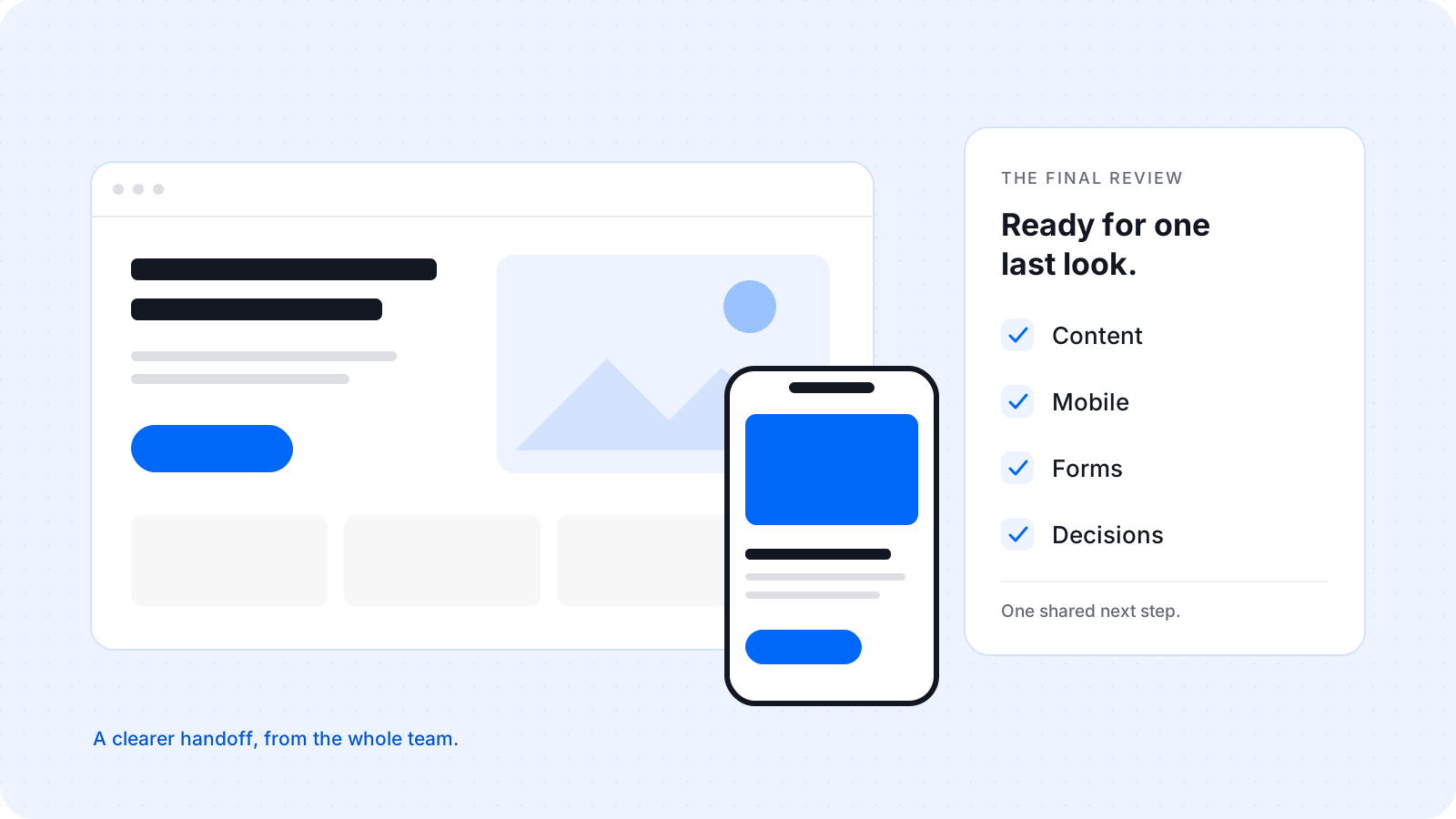
The staging link is in the client’s inbox. The layouts are in place. The team has worked through the biggest changes. Someone asks the question everyone has been working toward: “Are we ready to launch?”
It sounds like a yes-or-no question. Often, it holds several smaller questions. Has someone read the final copy? Does the form work? Was that mobile spacing issue fixed? And did the client approve the change, or just see the message?
Imagine a small agency preparing a service website for a client. The project is close to the finish line, but its last decisions are spread across a call, a chat, and comments on the page. The useful next step is a focused review that brings those decisions together.
Here is a practical way to run that review, with enough structure to make the handoff clear and enough space for the people doing it.
First, agree what “ready” means
A final review works better when everyone knows its purpose. Share the exact website link, name the pages to review, and explain what is still in progress. Tell the client whether this is the time for factual corrections, usability problems, or final approval.
Separate a launch blocker from a later improvement. A contact form that cannot send is different from a new idea for the homepage. Both deserve a record, but they do not need the same deadline.
Choose who can give the final approval. If three people send different opinions and nobody owns the decision, a finished website can stay in review indefinitely.
A useful final review ends with clear decisions, a person responsible for each remaining change, and a shared next step.
Read the website with its real content
Familiar pages are easy to skim. This time, read them as if you were visiting for the first time. Start with the words a customer needs: what the business offers, who it serves, and how to take the next step.
Check names, contact details, prices where shown, and the claims the business makes. Look for placeholder copy, outdated screenshots, and links that still point to an old destination. Ask the client to confirm facts that only they can verify.
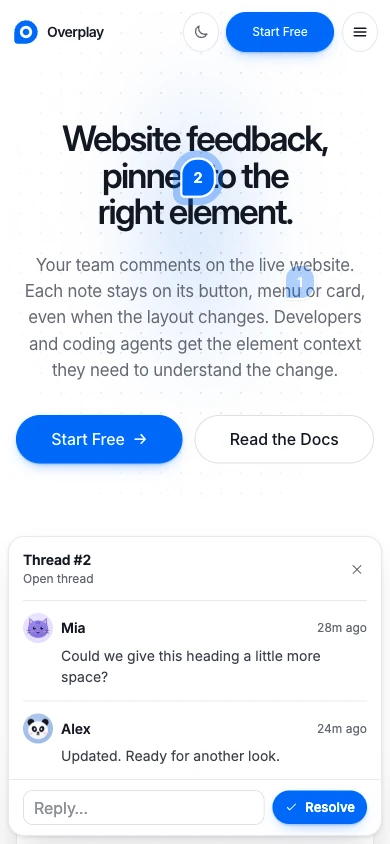
Then check how that content fits. A headline that worked with sample text may wrap differently with the final wording. A service card may need more space. Leave a comment on the relevant element so the developer does not have to guess where the issue appears.
Take the review to a phone
A narrower browser window is a useful first check. Follow it with a real phone when you can. Open the navigation, read a long section, and try the main action. Look for text that feels cramped, controls that are difficult to tap, and content that runs beyond the screen.
For our example agency, the desktop page looks ready. On a phone, the client notices that a long service name pushes the action below the fold. That observation is more useful when it includes the page, the element, and the screen size.
Describe the result you need. “Keep the service name readable without crowding the button” gives the team a clearer goal than “Mobile looks wrong.” The designer and developer can then decide how best to achieve it.
Follow the whole journey
A page can look complete while its main journey is unfinished. Start where a customer would start and follow the route through the website. Open a service, follow its call to action, and check where you arrive.
Use test details to try forms in the agreed test environment. Check required fields, validation messages, the success state, and where the submission arrives. Coordinate with the team before using a form that triggers real messages, bookings, or payments.
Review the moments around the main action, too. Can someone recover from an error? Does an empty result explain what to do next? Does the confirmation tell them what happens after they submit?
Close the open questions
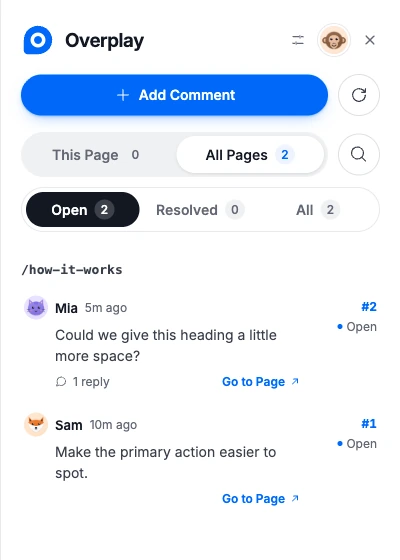
Now bring the review back to the feedback. For each open thread, decide whether it needs a change before launch, a clarification, or a place in the next round of work.
Keep the discussion beside the request. If the team changes the spacing on a card, reply in that thread and ask the reviewer to check the updated page. The next person should be able to understand the decision without finding a separate chat.
Overplay keeps comments attached to website elements, with replies in the same conversation. Resolve a thread when its work is agreed. Reopen it when another pass is needed. A resolved thread records progress; it does not replace testing or the client’s final approval.
If feedback arrives as “the button we discussed yesterday,” ask for the page and the specific element before making a change. A short clarification can prevent a longer round of rework.
Make the handoff clear
Finish with a small, readable record: what has been approved, what remains, who owns it, and what happens next. If something will ship later, say so directly. Agree how the client should report a problem after launch.
The review is one part of launch readiness. The team still needs its technical checks, access arrangements, and deployment plan. Keep those responsibilities clear instead of assuming that a visual sign-off covers every part of the release.
In our example, the agency finishes with two confirmed fixes and one improvement scheduled for later. The client knows what they approved. The developer knows what is left. The project manager has a clear next step.
That is the outcome to aim for. The final review gives everyone a shared view of the website and its remaining decisions, so the handoff can feel as clear as the work itself.
Give every last detail a place.
Bring clients and teammates into the same conversation, right on the website.
See How Overplay WorksThe agency and client scenario in this story is illustrative.

Website feedback, pinned to the right place.