A little clarity: inside the Overplay design system
Good feedback needs a place. Good design helps you find it.

A website review can begin with a very small sentence: “Can we change this?” The hard part is knowing what “this” means. A button, a heading, a detail halfway down the page. Without a shared reference, even a simple comment can turn into a long exchange.
Overplay gives that conversation a place. Teams and clients pin comments to website elements, discuss the details in threads, and resolve feedback in context. That idea also gives our design system its direction: help people see what matters, then give the conversation room.
Start with the context
For a website feedback tool, the page is part of the message. A comment makes more sense when you can see what it refers to. The interface should help you reach that point quickly and keep the discussion easy to follow.
Our visual language follows the same principle. Quiet surfaces, clear text, and a focused accent color establish a simple order. The content comes first. Controls make the next step easy to find. Decorative details stay in the background.
You can see the product side of that idea in how Overplay’s website feedback works. The design and press page brings its visual foundations together.
A point of connection
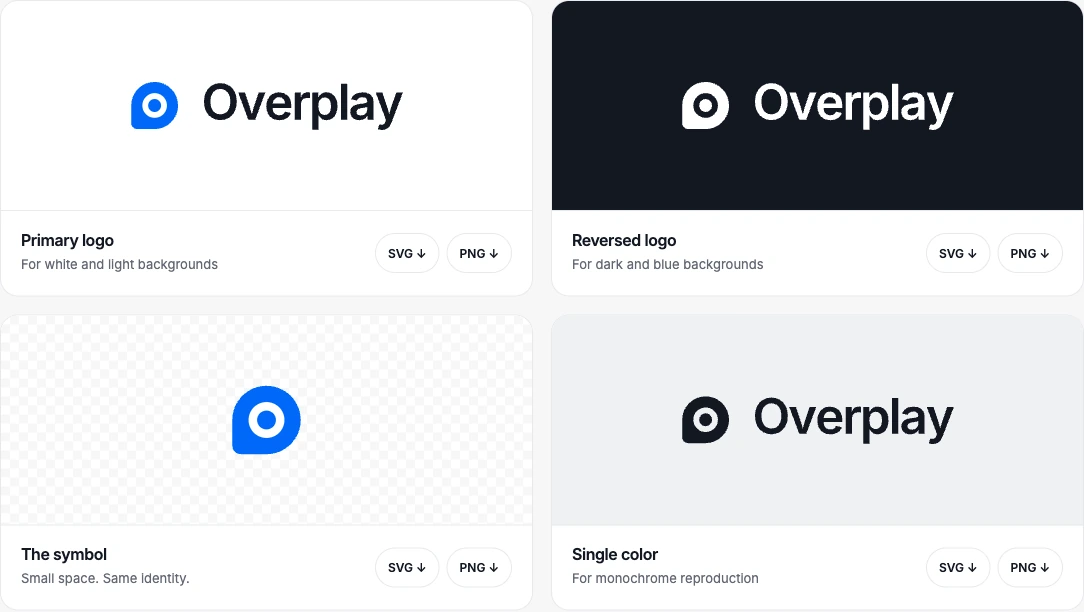
The Overplay symbol brings a pin and a conversation together. A pin says “here.” A conversation says there is something to discuss. Together, they describe the product before you read a feature list.
The full wordmark gives the name room when space allows. The symbol carries the identity in smaller places. Blue, white, and ink versions let the same mark work across different backgrounds without changing its shape.
Website feedback, pinned to the right place.
Consistency matters in the small details, too. The brand guidelines set clear space around the artwork and recommend minimum digital sizes. The goal is simple: keep Overplay recognizable, whether it appears in a product listing, an article, or a team’s toolkit.
Color with a purpose
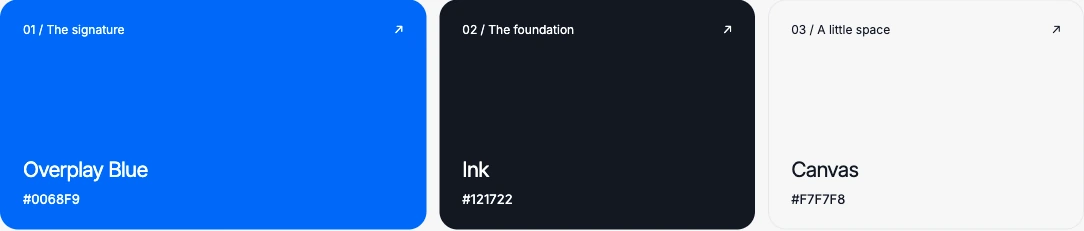
Overplay Blue, #0068F9, is the signature color. Ink and pale canvas surfaces give it a calm setting. Instead of asking every part of the page to compete for attention, the palette gives emphasis a specific job.
State colors carry their own meaning. Green marks resolved feedback. Red identifies destructive actions. Violet identifies AI features. These colors support the interface while blue keeps the brand recognizable.
The public color palette includes HEX values and downloadable design tokens. Tokens are named values for colors and other design choices. They help the same decisions stay consistent across screens and materials.
Room for the words
A feedback product is full of other people’s words. Short questions. Detailed explanations. A reply that finally clears something up. Typography needs to make all of them comfortable to read.
Inter is Overplay’s everyday typeface. Its role stays consistent from interface labels to larger headlines. The design page includes an interactive type specimen, so you can try a line of text and compare weights rather than judge the font from a static sample alone.
Soft corners, fine outlines, and a fading dot pattern complete the visual language. These details add character without crowding the message. Plain writing belongs to the same system: a clear sentence and a clear interface both save the reader work.
A brand you can use
A useful press kit should answer practical questions. Which logo fits a dark background? Where are the transparent files? How should the product be described in one sentence?
The Overplay press materials bring those answers together. You can download SVG and PNG logos, explore the palette and typography, and use the supplied product descriptions. The guidelines explain how to keep the artwork clear and consistent.
If you need a current product screenshot or a specific format, the page also provides a way to request it. The blue press graphic is brand artwork; product images should show the product itself.
This is the story our design system tells: find the right place, make the message clear, and leave enough room for a useful conversation. The same idea runs from the smallest pin to the way we introduce Overplay.
Take a closer look.
Explore the identity, try the typography, or download the official assets.
Explore the Design & Press Kit
Website feedback, pinned to the right place.